Short videos, each under a minute, that show you how to get around WilderPTSA.net.
Parents
1. Signing In
See why it’s worth signing in to WilderPTSA.net: your orders, family info and volunteer signups are saved in one place. Learn where to sign in and how to use the Parents login.
2. Sync the PTSA Calendar
Never miss a school event. Subscribe once and every PTSA event shows up in Apple Calendar, Google Calendar, Outlook or on your Android phone, and it stays up to date on its own.
3. Volunteer Signups
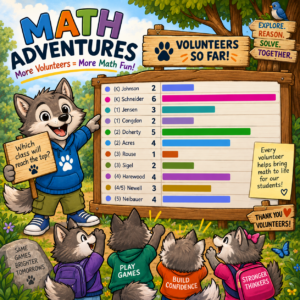
Find a program like Math Adventures, Art Docents or WatchDOGS, pick a slot and confirm. Then add your private calendar link from your Signups page, so your shifts show up in your calendar and drop off if you cancel.
4. Buying Enrichment Classes
Fields marked with a red star are required. Pick a saved child and their grade and teacher fill in automatically. Then head to the cart, where Apple Pay, Google Pay and Amazon Pay are ready.
On the PTSA board or a committee? Sign in with your WilderPTSA email to see the PTSA team videos.